About MediaChance
Products

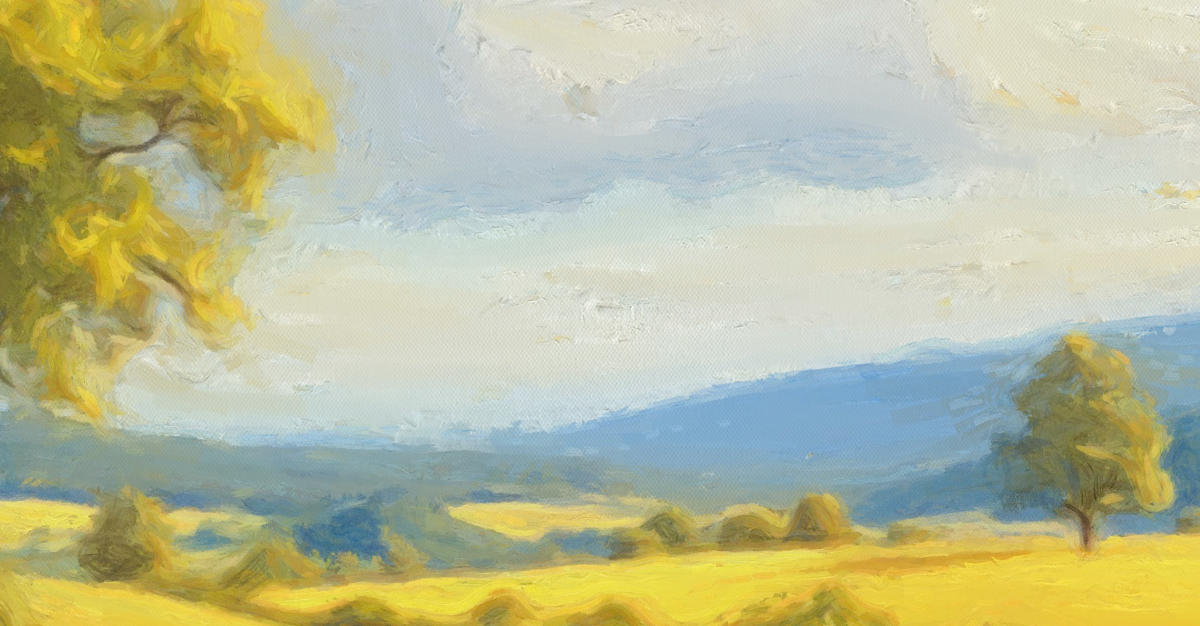


DAP is not some gimmick that slaps a “paint effect” on top of your image. It rebuilds it from scratch. stroke by stroke. The textures, strokes, and colours all
feel organic. Something you’d proudly hang in your living room or gift to someone special.
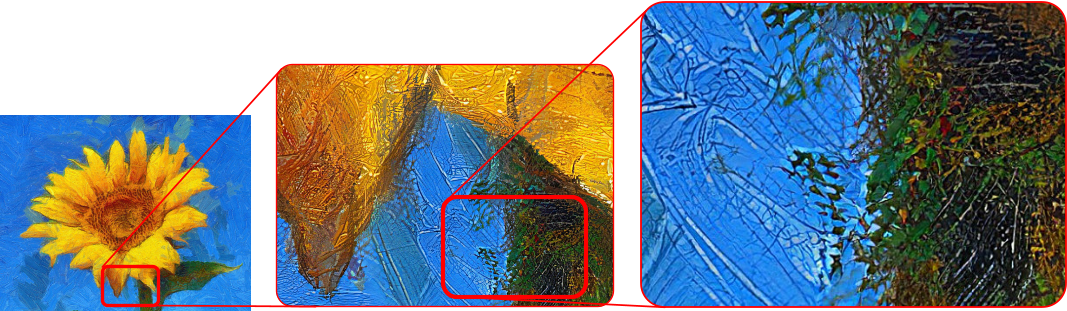
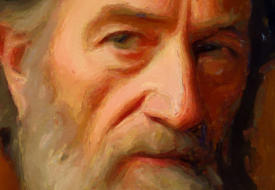
Whether you're looking at your artwork on a wall print, your computer screen, or zooming in to check every tiny detail (we do that too), it looks authentic.
Authentic Realism that Scales
While DAP creates great artwork on its own, many users use it as a starting
point for even more personalized creations. Here’s how our community takes
their projects to the next level:
•
A Foundation for Refinement: Start with DAP’s output and enhance it in
tools like Corel Painter, Rebelle, or Photoshop to craft a truly unique art.
•
Beat Artist’s Block: Run photos or your past works through DAP’s styles to
spark fresh ideas and inspiration before you pick up the brush.
•
Bring Old Photos to Life: Turn faded or low-quality photos into vibrant,
painted pieces that preserve memories with a touch of artistic flair.
•
Monetize Your Art: Feel confident selling your DAP-generated artwork - you
own the copyright. Whether it’s printed on canvas or sold digitally, it’s yours
to keep.
With Dynamic Auto Painter, the creative possibilities are endless.
Dynamic Auto Painter: A Tool in Your Creative Toolbox

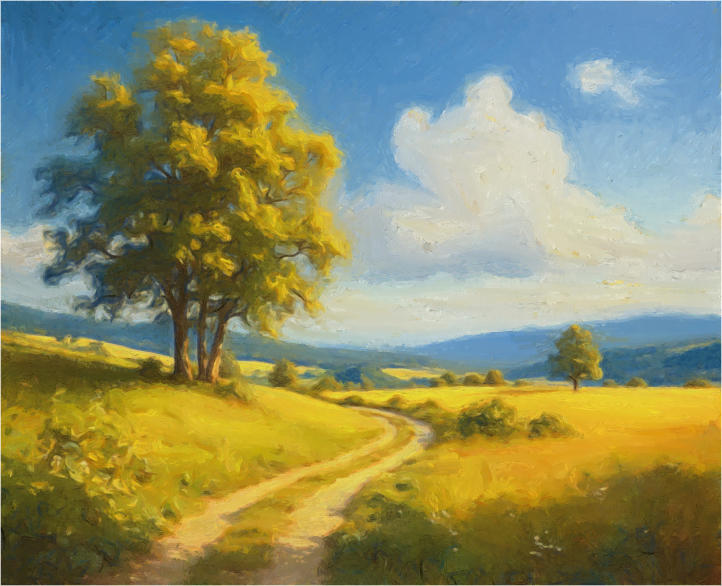
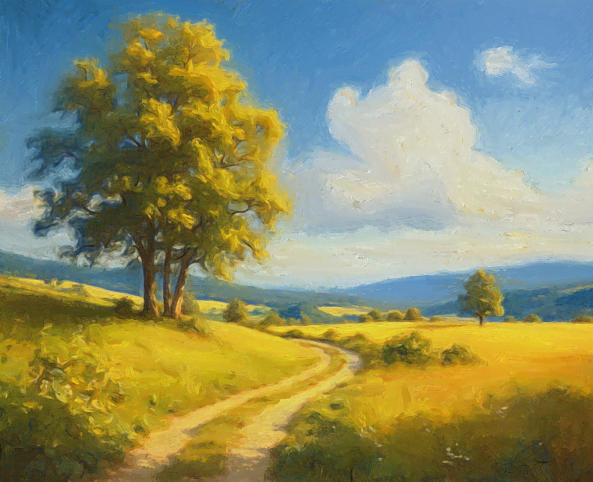
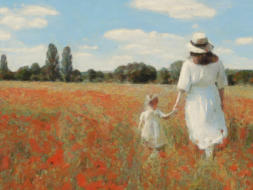
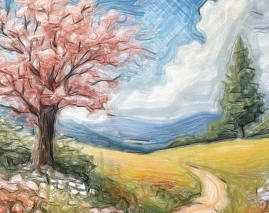
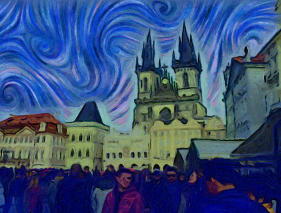
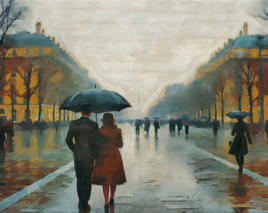
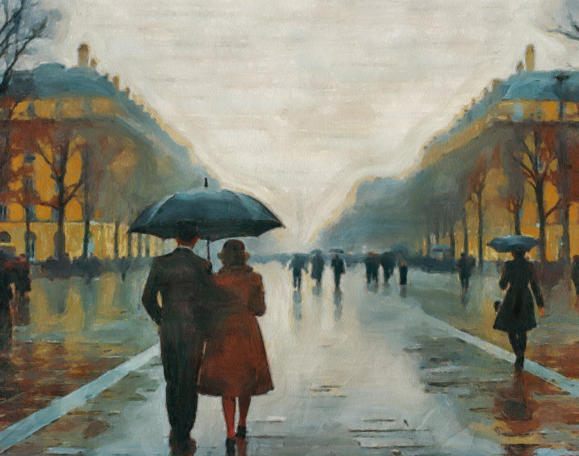
Dynamic Auto-Painter (DAP) digitally repaints your photos in the styles of famous masters such as Van Gogh, Monet, Benson, Corot, and Cézanne.
DAP is not a photo filter, and it does not use generative AI. Instead, it creates detailed, painterly results designed to resemble real artwork.
What is Dynamic Auto Painter?
•
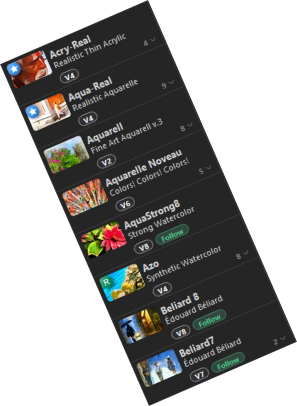
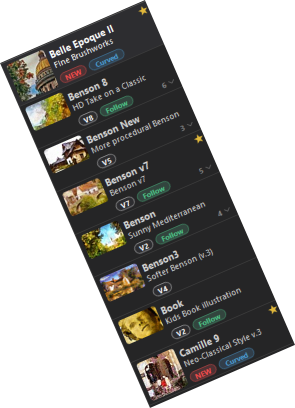
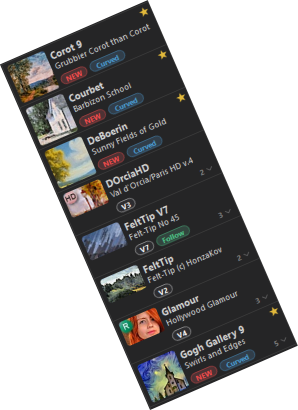
Hundreds of Styles. Van Gogh’s vibrant palette, Monet’s luminous light, Cézanne's bold colours, Benson’s rustic charm and many more
•
Hi-Res Detail: You can create print-quality art that’s ready for a frame
•
Easy to use for quick results, yet packed with advanced features for those who want full creative control
•
100% ownership. No weird licensing rules.
•
Runs on Your Computer: No cloud. No subscriptions. Your privacy stays intact, and you are in complete control.
How is it Different from Photoshop Filters?


It’s 100% yours. No Generative Ai, No Ownership Concerns
Generative AI creates images by predicting and inventing visual details. Because many generative models are trained on vast collections of existing
artwork, they can also raise difficult questions about consent, copyright, and fair use.
DAP works differently. It repaints your original image directly, without generative AI models. Your subject, composition, and recognizable details
remain under your control.
Artwork is based entirely on an image you have the right to use, ready to print, share, or sell.
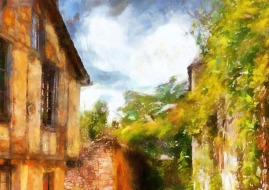
Dynamic Auto Painter already produces artwork with exceptional detail and clarity. But our AI Photo & Art Enhancer app takes your already stunning creations
and cranks up the quality to 11. It offers the perfect finishing touch - enhancing resolution, sharpness, and texture to make your images truly stand out.
Want Even Better Results? Pair DAP with the Ai Photo & Art Enhancer!

“Using Dynamic Auto-Painter couldn’t be simpler: you just load your image, select an artistic style and hit Start.
After a few seconds of preparation, your canvas will turn blank and then brush strokes in the appropriate style will
start appearing.”






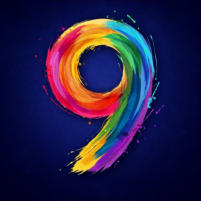

Dynamic Auto Painter has evolved over 18 years. Its painting algorithm has been refined repeatedly, and each release has
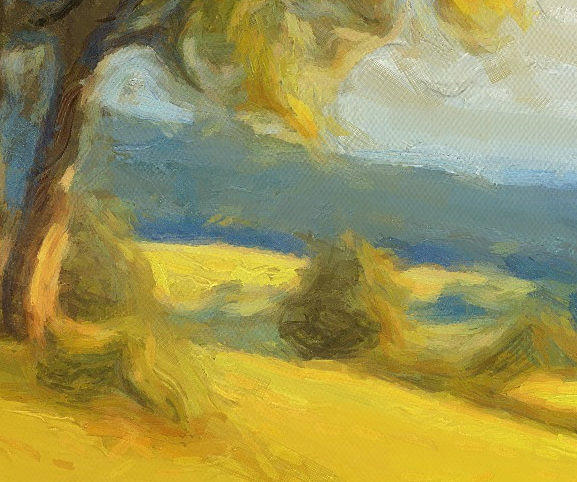
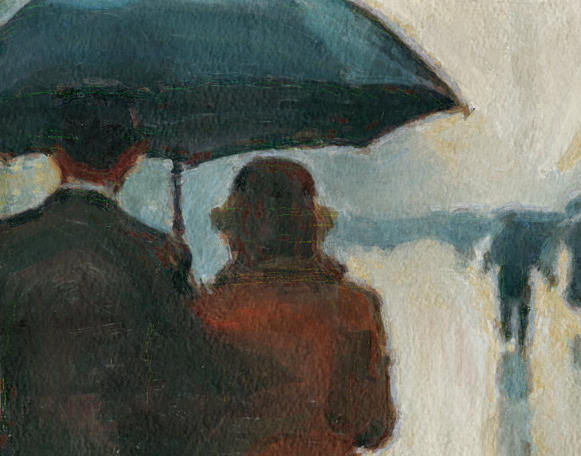
added new capabilities. Version 9 is a major step in that evolution: for the first time, DAP can paint curved strokes that
follow the flow of the image, rather than relying only on individual brush placement.
The brand new V9 “Fair” engine can improve many established presets as well as new ones, particularly through features
such as curved strokes, Coverage top-up and Flat Area Blending.
Version 9 - Powered by our new FAIR engine






Version 2
Version 3
Version 4
Version 5

Version 6
2009
2012
2015
2016
2019
2008
Version 1


2022
Version 7


2024
Version 8
DAP History
To download previous version go to FAQ page
Tom Arah - PC PRO
The link above has been
updated 10/10/2026