About MediaChance
Products


THE NEW FEATURES IN DAP 9
•
New Fair Engine — a new set of template-level engine controls. It adds
curved Sweep strokes, more reliable underpaint coverage, optional low-
frequency underpainting, flat-area blending and compatibility switches for
established presets.
•
Curved Strokes (Sweep) — brushes can bend along the image's flow field to
paint long, curved strokes instead of individual stamps. Presets that use
Sweep display a badge in the browser.
•
Live Sweep tuning — the Follow tab now shows the traced Sweep paths over
your image and adds a Sweep Paths panel. Turn on Custom Sweep to
reshape the paths in real time — how much detail they follow, how smoothly
they flow, their minimum length and curvature — and see the result before
you paint.
•
Flat Area Blending— after underpainting, DAP can smooth only paint seams
in flat regions such as sky, walls and water while preserving genuine image
edges and paint texture.
•
Deposited paint height (impasto) — V9 records brush deposit while painting
so Material and Light can use accumulated height for raised relief instead of
relying only on image luminance.
•
Flow Lines — a new outline method that traces smooth, coherent lines along
image features.
•
Redesigned Preset Browser — preset descriptions, version tags and
Follow/Sweep engine badges are visible at a glance, and variations can be
expanded beneath their parent preset.
•
Modern dark interface — dialogs and help pages follow the flat dark theme
with anti-aliased rendering.
•
Built-in help— many template sections now provide a small **?** button with
a concise explanation at the point of use.
•
Up to 3x Faster painting — the Fair engine can use all available processor
cores.
•
Multiple instances are now allowed
New look and a new engine



Dynamic Auto Painter has evolved over 18 years. Its painting algorithm has been refined repeatedly, and each release has added new capabilities. Version 9
is a major step in that evolution: for the first time, DAP can paint curved strokes that follow the flow of the image, rather than relying only on individual brush
placement.






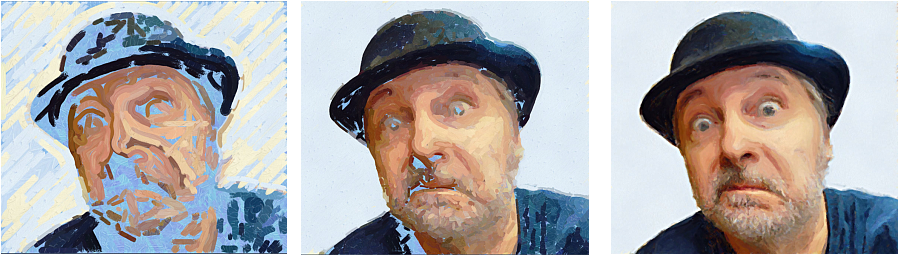
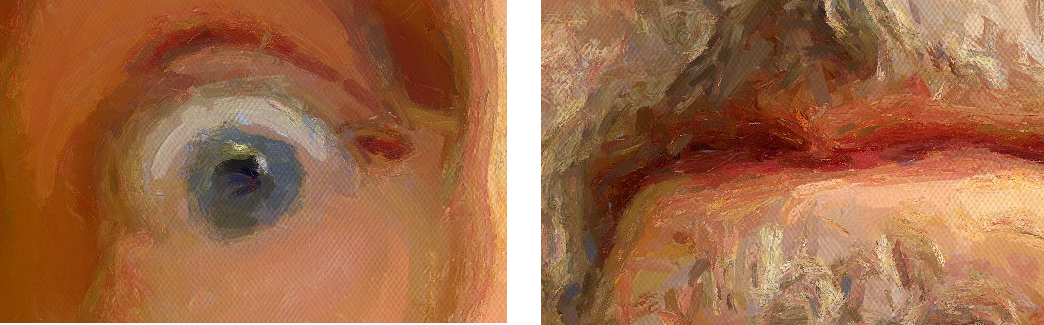
This allows DAP 9 to paint portraits with much greater accuracy while preserving distinctive, recognizable brushstrokes, even when viewed up close.
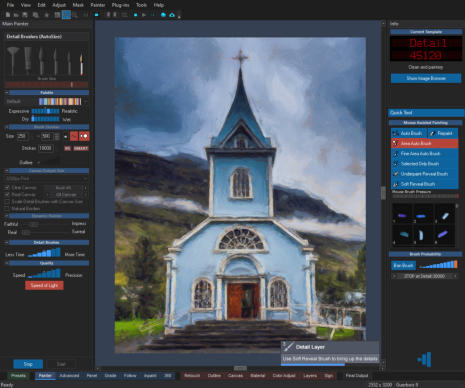
The interface has had an overhaul as well. Gone is the grey look that lingered for
the past 18 years and occasionally made even its author squint at the text.
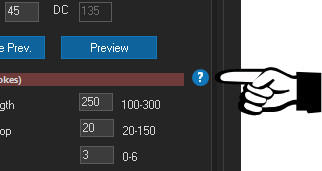
And, more importantly, deep in the abyss of the Edit Template dialog, every section now
includes comprehensive help explaining what each setting actually does.

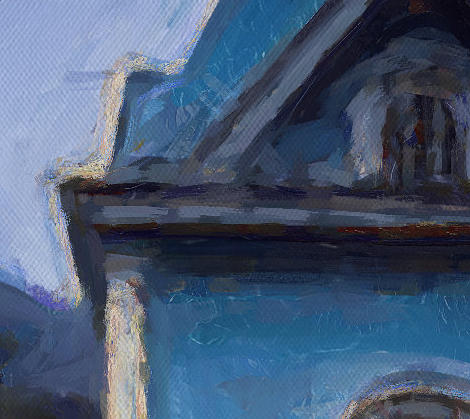
The V9 Fair Engine better understands the flow and structure of an image, allowing
brushstrokes to follow its forms more naturally.
This is especially noticeable in presets that use longer strokes, which can now curve with
the image’s flow.
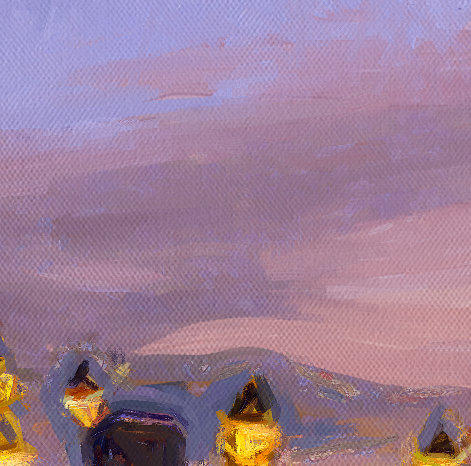
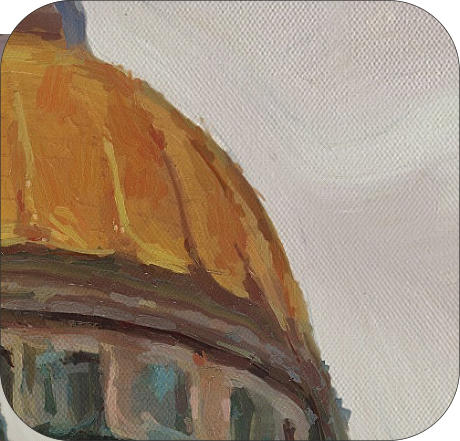
New in Version 9, Flat Area Blending addresses seams that large underpaint brushes
leave in flat regions such as sky, walls and water. Those seams exist in the paint but not
in the photo, so the detail cycle may otherwise attack a smooth sky with thin strokes
until it becomes granular.
Flat Area Blending pass finds those seams after the underpaint and softens them with
flow-aligned palette-knife strokes — not a blur.
Each stroke produce broad painterly facets like a painter dragging a knife or soft dry
brush through wet paint.
Fair Sweep Scoring
New Look
Flat Area Blending

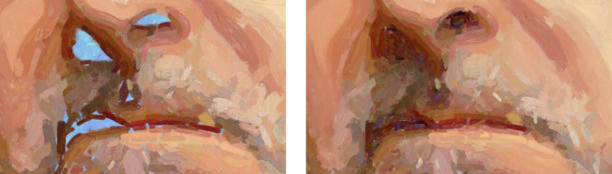
The previous engine could leave some areas unpainted during the underpainting cycle,
forcing the smaller brushes in the Detail cycle to fill them later.
In Version 9, any remaining bare-canvas gaps are filled with the underpainting brushes
before the hand-off to the Detail cycle. This allows the Detail cycle to focus on refining
the image rather than patching unfinished areas.
Coverage top-up
Redesigned Preset Browser
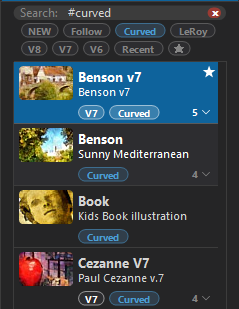
The redesigned preset browser puts the important information up front.
Each preset shows its description, version tag, and Follow/Sweep engine badge directly in the list, so you can see what it
does, when it was introduced, and which engine it uses without opening it first.
You can also filter the library by function instead of scrolling the entire set: show only curved-stroke (Sweep) presets, your
recently used ones, or the presets you've starred.
Fair Engine — the details make the difference
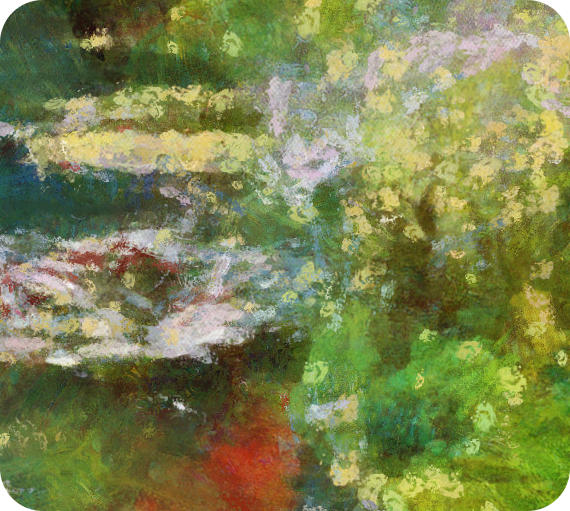
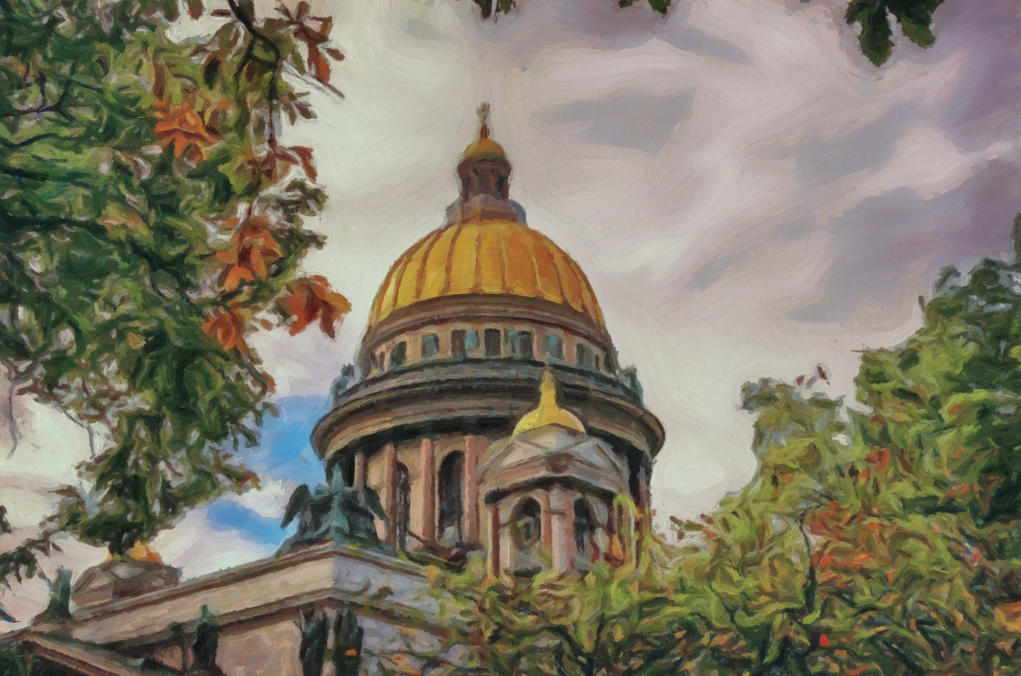
Here is the fully automatic Flat Area Blending in action (unedited output from DAP9 using Guerbois 9 preset that use Fair Engine)
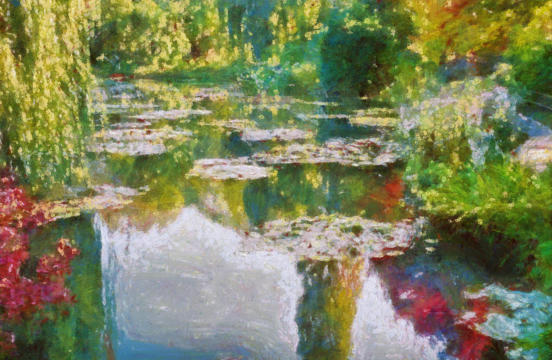
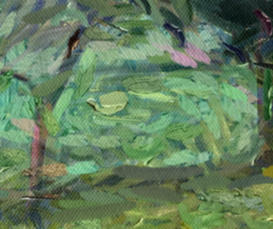
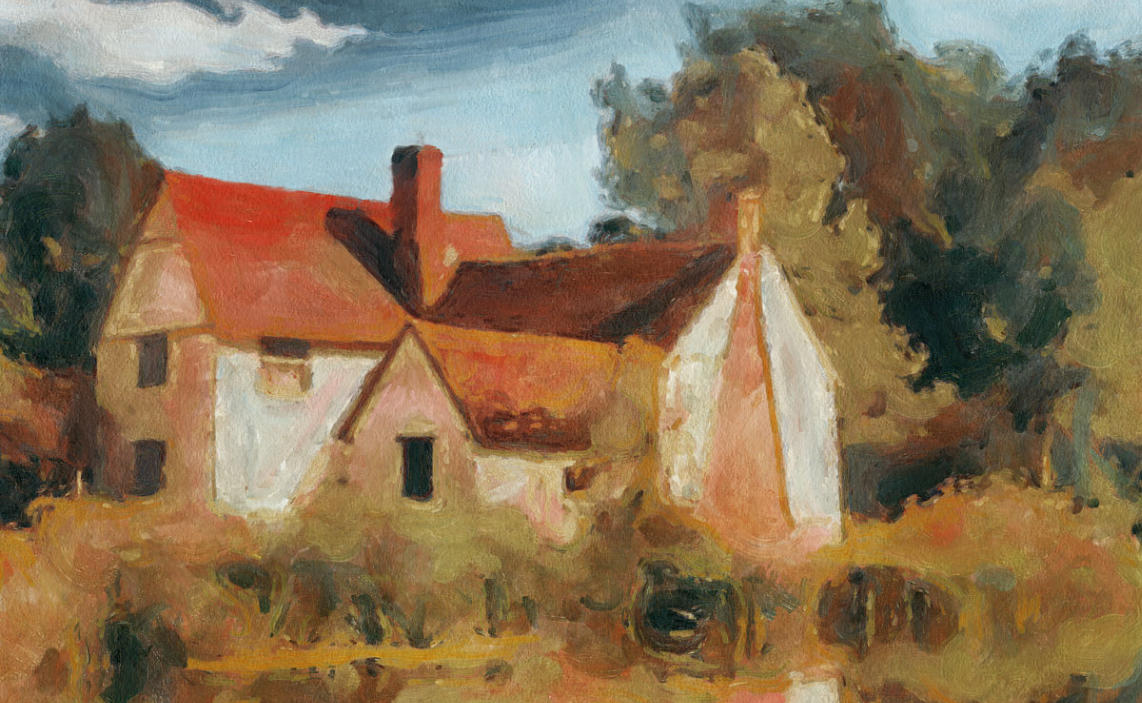
The LillyPond HD preset from DAP 3, used directly through the new FAIR
Engine
The V9 Fair Engine improves many existing presets, particularly through features such as Coverage Top-Up and Flat Area Blending.
The differences may seem subtle at first, but together they guide the painting algorithm toward placing and using brushstrokes more like a real painter.
Previous Engine
DAP 9 - Fair Engine
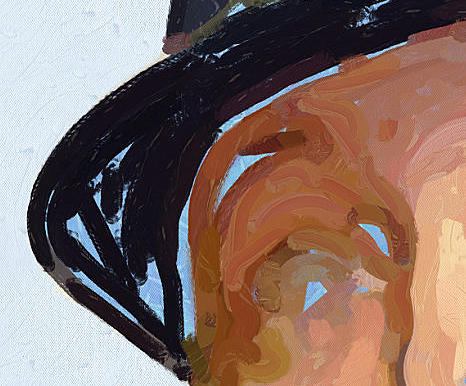
Digital artifacts
Incorrectly sized or placed detail
brushes can break the illusion of a
real painting when viewed up close.
Bird feet
Flat areas are repeatedly dabbed
with the same brush, leaving
tracks that look as though birds
have run across your canvas.
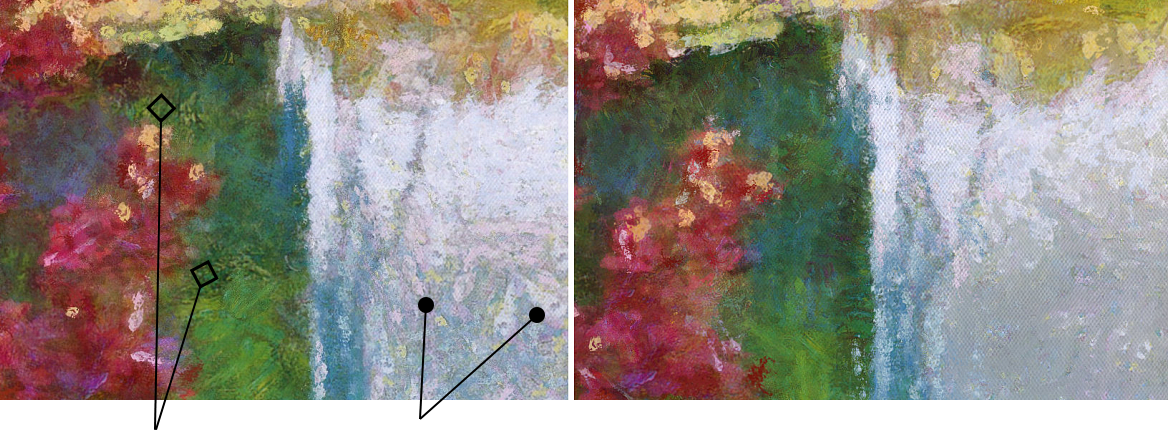
The Fair Engine places brushes more precisely and uses blending
strokes in flat areas such as skies and water.
Generative AI invents pictures. DAP paints yours.
These days, even the little light that turns on when you open the fridge is liable to be marketed as AI. We decided to sit this "trend" out.
DAP's strength has always been its algorithmic nature. DAP 9 doesn't replace your photograph with a prompt-generated hallucination, and it won't paint in
objects that were never there. The Fair Engine reads the flow, structure, color, and detail present in your image, then rebuilds it stroke by stroke using the preset
you chose.
This is deliberate. Your subject and your creative decisions stay at the center of the process. DAP just brings the "smart" algorithms that decide how to paint
them. The artwork comes entirely from your photo, so it's 100% yours.

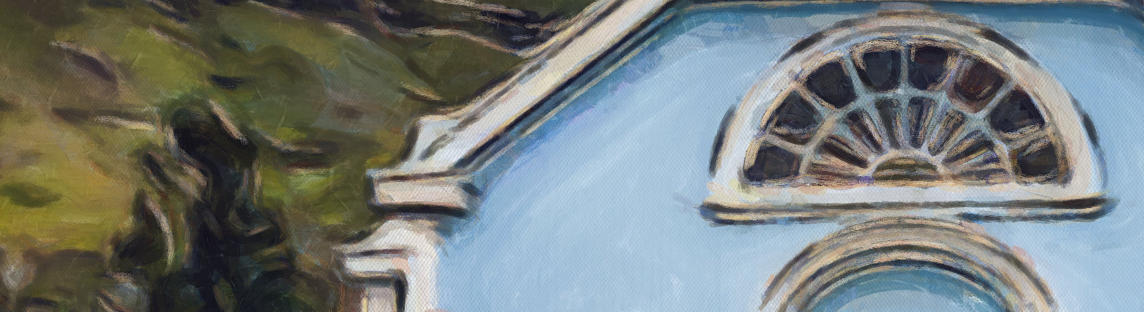
Flow Ink
A new preparation step for styles that lean on strong outlines, such as post-impressionist works. Unlike the classic Outline, Flow Ink in DAP 9 traces the actual
flow of the image, so its edges and line strokes follow and enhance the shapes.
You can mix two independent layers: soft edge shading and thin flowing line strokes, each in black, white, or a color drawn from the image itself.
It's an optional flavor: some styles gain a lot from it, others won't need it at all.
VORTEX Engine
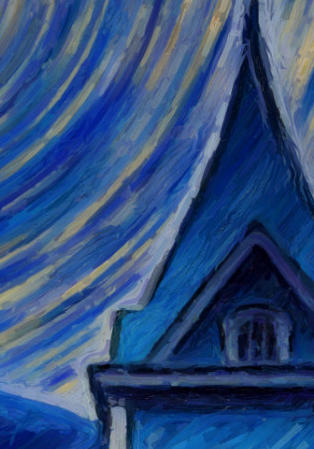
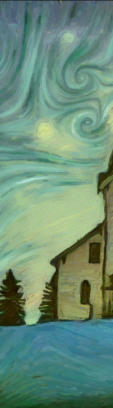
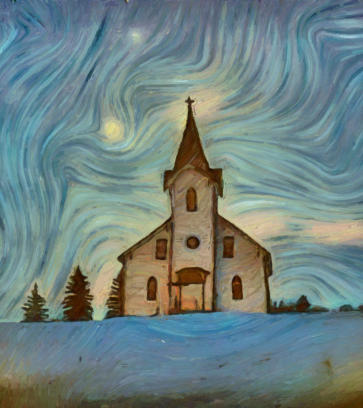
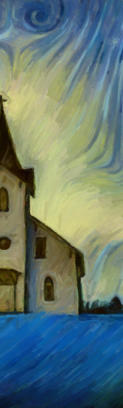
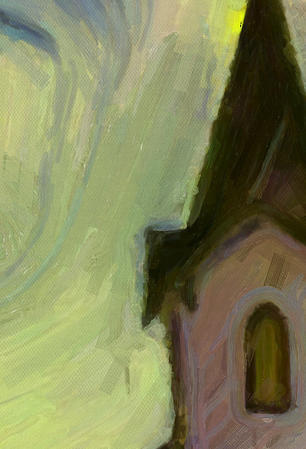
Mimicking Van Gogh was tried for 9 generations, (mostly unsuccessfully), often with various gimmicks. In Version 9 the vortex engine paints the sky swirls using
curved strokes and combined with the Fair Engine and new Wobbly Edge it can come a closer to Van Gogh inspired style than ever before.
Detail Field
The new Detail Field is used with the presets, where the underpaint cycle already creates pleasing, painterly strokes and the image only needs reinforcement of
its shapes and finer details. This is particularly useful for simulating styles such as Paul Cézanne’s, where the larger brushstrokes do most of the heavy lifting.
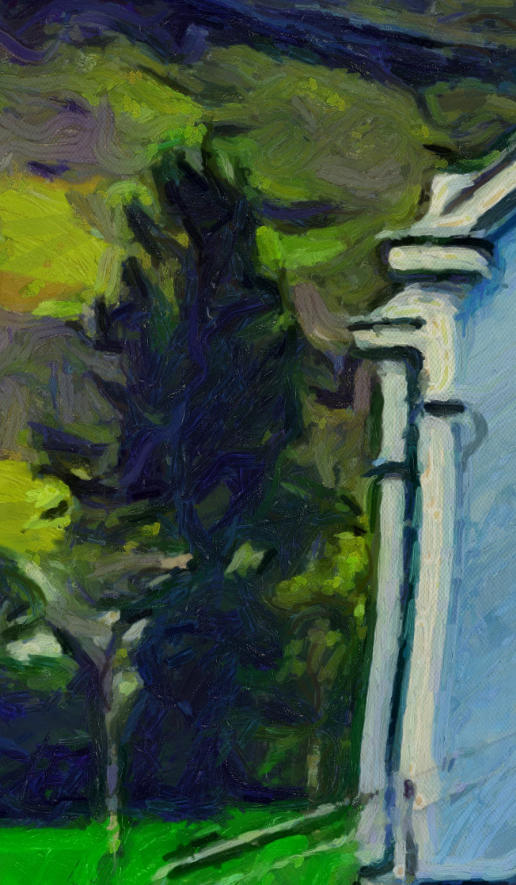
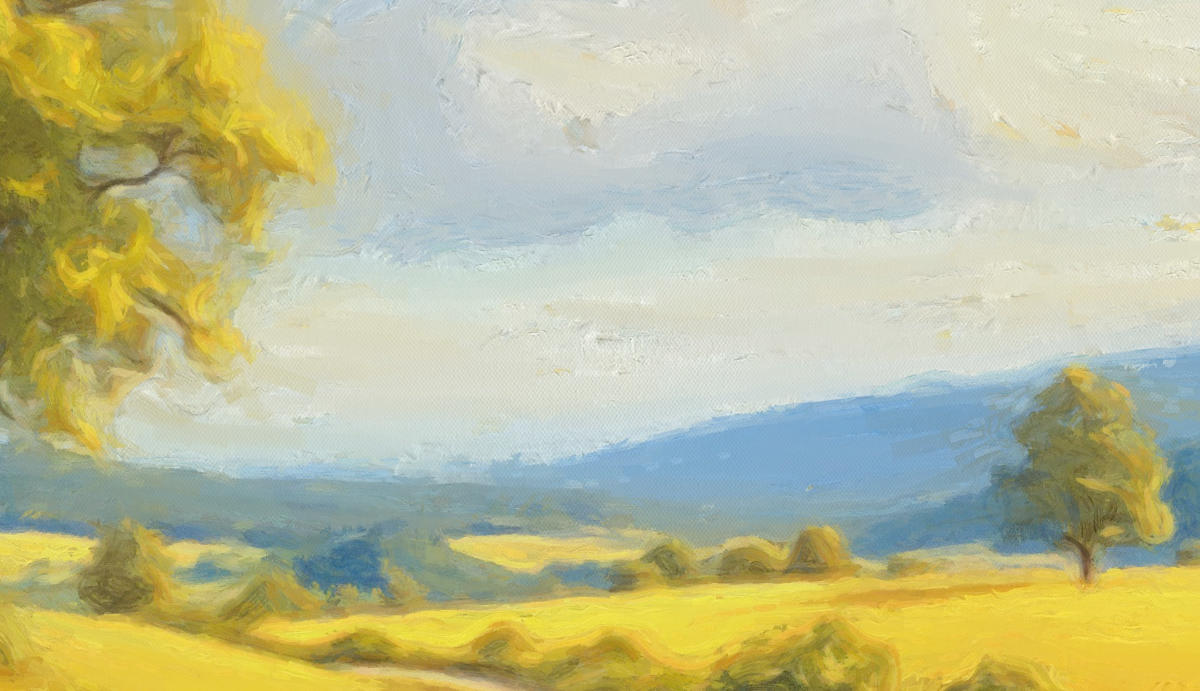
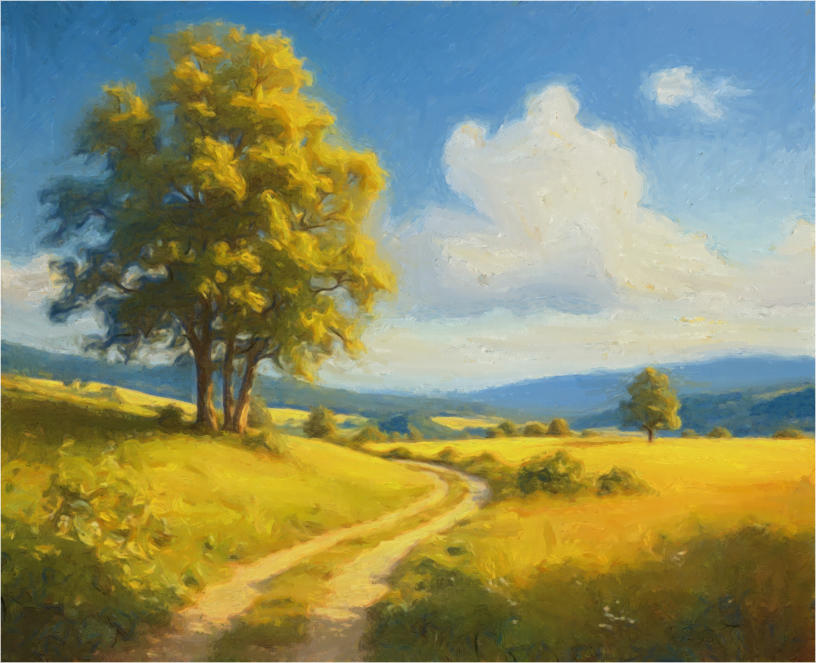
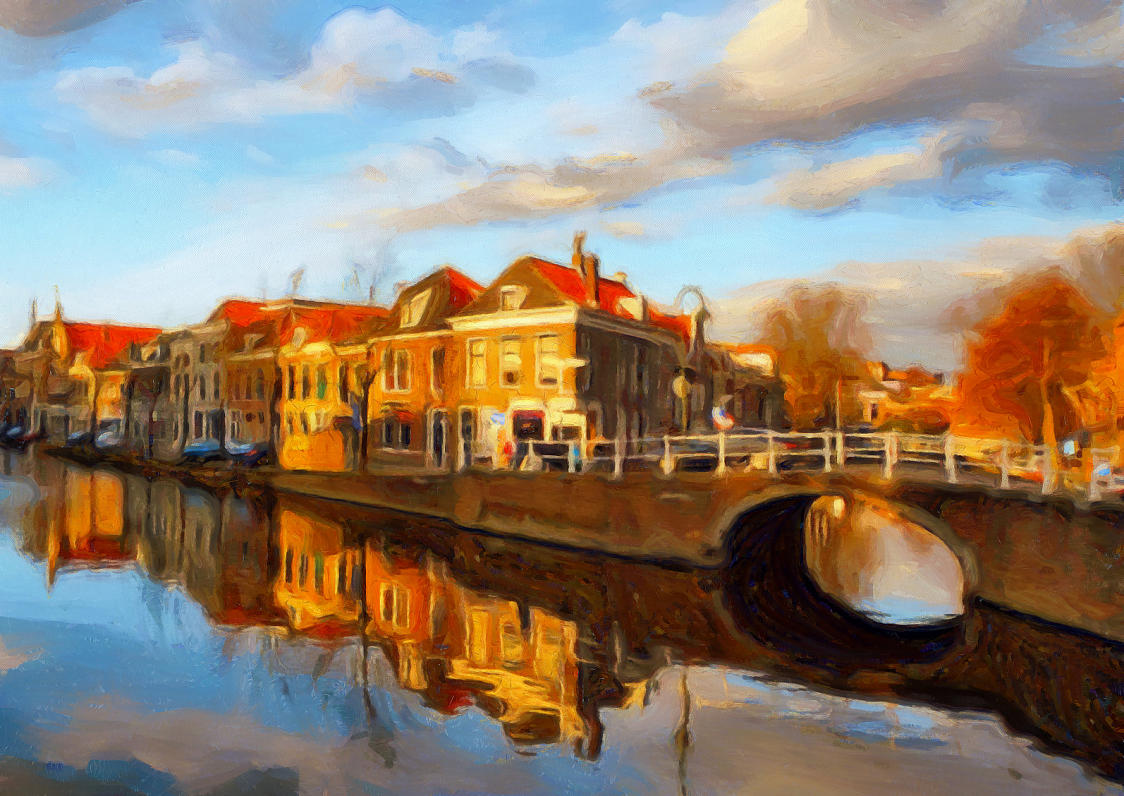
Version 9 is a major step in the DAP evolution: for the first time, DAP can paint curved strokes that follow the flow of the image.
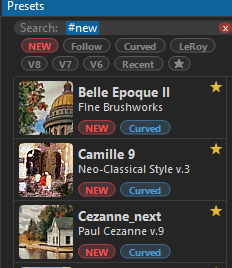


You’ll notice the improved Presets
Browser. Click the NEW tag to filter
the list and show only the presets
added in version 9.
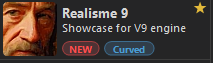
Try a few of them — for example
Realisme 9, the most realistic
preset in the bunch. It works
particularly well for portraits!
Tip:

The link above has been
updated 10/10/2026