

Photo-Brush 5 is image editor, painting program, photo retouching tool, photo enhancer and RAW Image Browser for Windows XP, Vista and Win 7.
Over the years we added many rich tools and effects for photo adjusting and photo retouching found in much more expensive tools.
"Impressive photo editing power designed with the keen photographer in mind." Tom Arah, designer-info
Photo-BRUSH

Overview
Overview
Do your images need color adjustments, crop, sharpening or some effects? Photo-Brush is an image editor that loads instantly and it is packed with easy to use features.

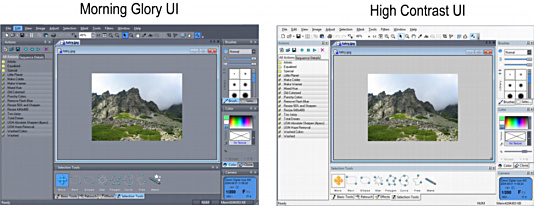
New: Optional High Contrast UI for visually impaired users.
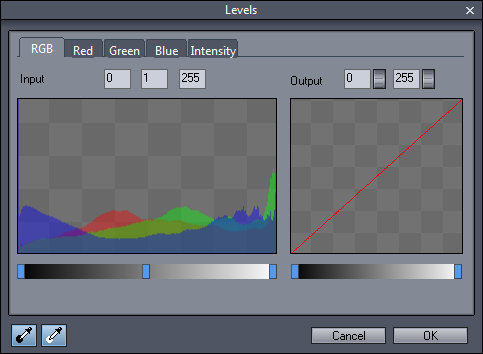
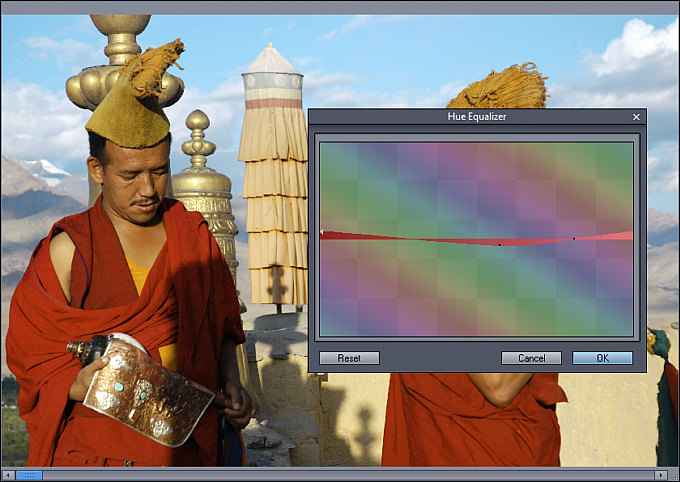
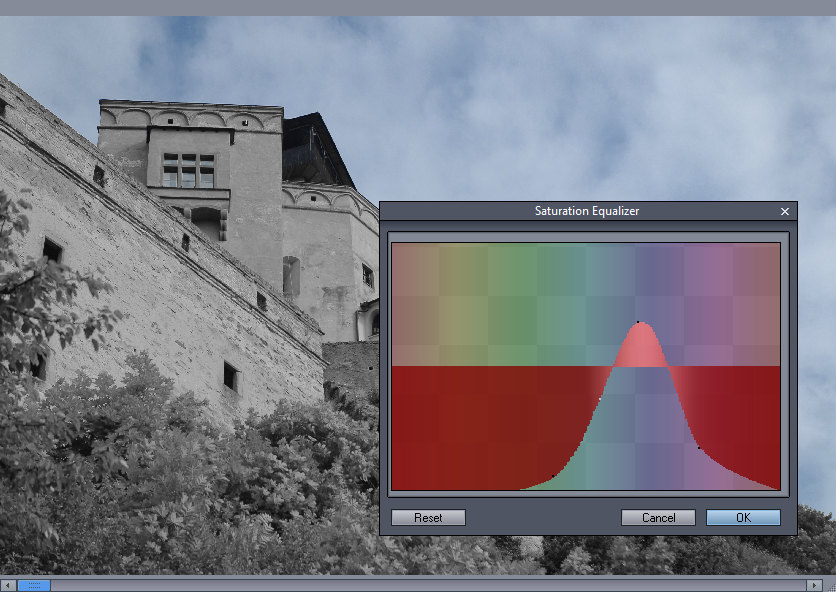
- All the typical adjustments you need (Exposure, Levels, Hue/Sat/Luma, Cloning, various Sharpening etc.)
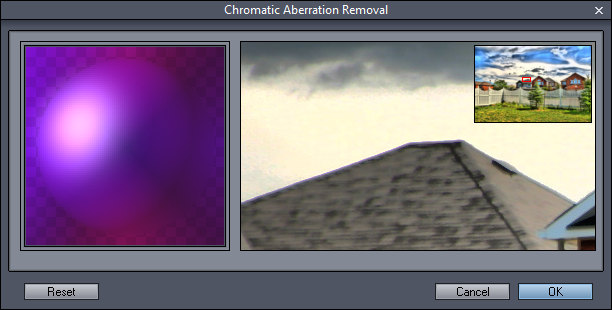
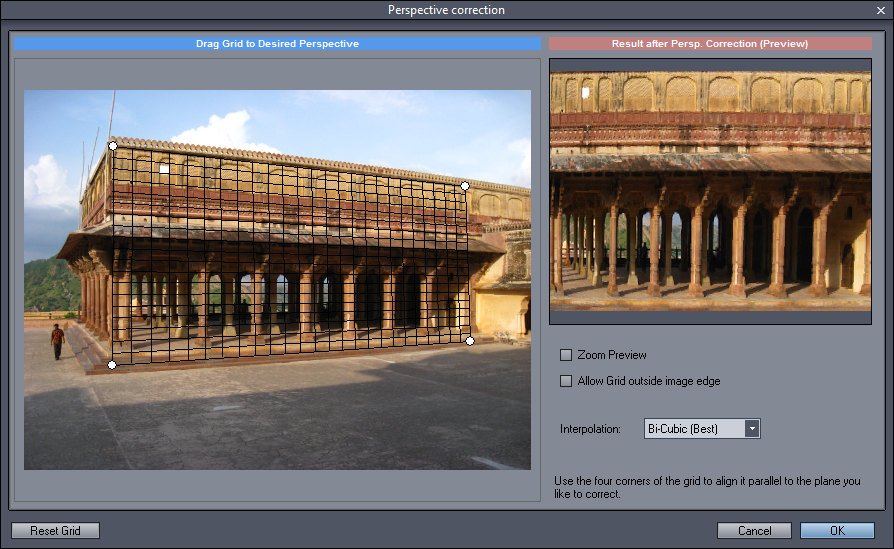
- Plenty of professional tools (Chromatic Aberration, Barrel-Pincushion, Perspective Compenstation etc..)
- RGB, HSL, YCb/Cr, Mask channels
- Color lab - create vivid, dynamic photos using natural LRGBY space
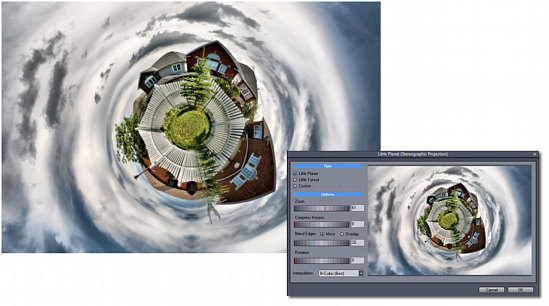
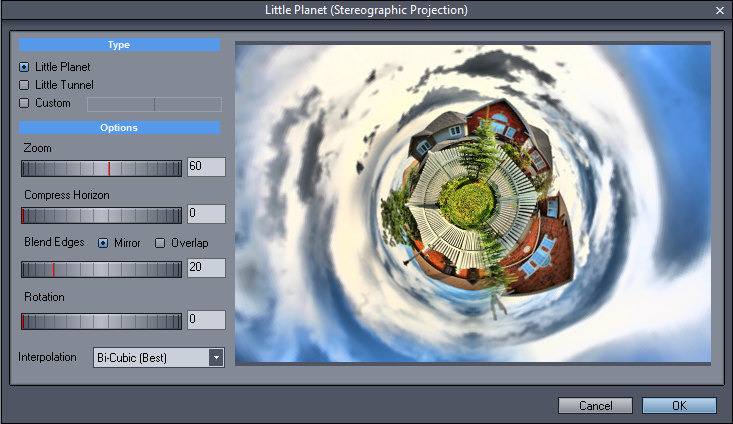
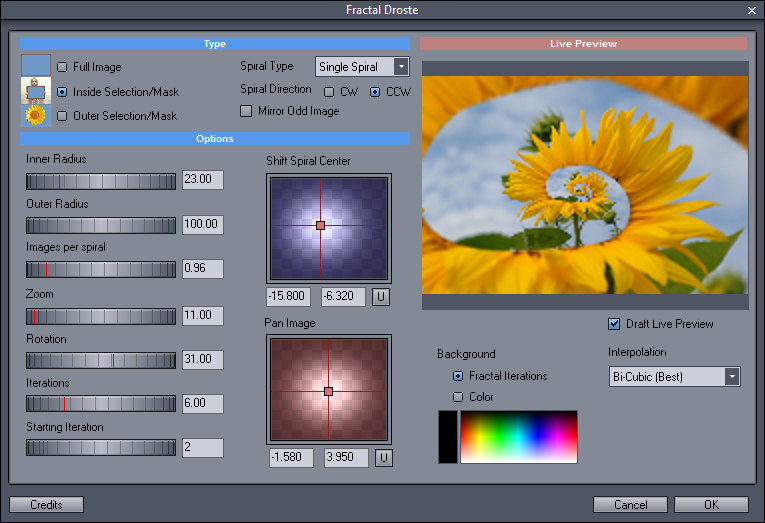
- Fun tools like Liquid Warp, Little Planet (Stereographic Projection), Fractal Droste effect (image-in-image)
- Adobe Photoshop(tm) plug-in support
- RAW support
- Starts instantly, optimized code, small footprint, no fluff
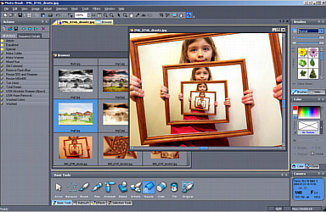
Photo-Brush 5 interface, showing result from new
Fractal Droste effect
Some of our visually impaired users requested to have a high contrast interface instead of our "Morning Glory" Gray/Blue interface
What's New
- New High Contrast UI for Visually Impaired users. (see download page)
- Newest version is 5.30
- New Interface, improved Chromatic Aberration
- Little Planet Feature
- Color Lab, works using new natural LRGBY color enhancing - produce instant photo-magazine grade vivid images with a touch of few dials. It allows for more flexible, natural dynamic color enhancements, without the typical over-processed look when using RGB or HSL.
- Fractal Droste for image-in-image effects
- Interactive Liquid Warp allows you to warp images with various brushes. A clear favourite for changing face expressions, thinning figures or creating caricatures of your favourite family members. Detail Subdivision Level allows you to warp smallest detail as well as the whole image.
- Improved Adobe Photo-Shop plug-ins now recognizes most new and old Adobe Compatible plug-ins including our new ReDynamix
- Improved RAW and Exif support
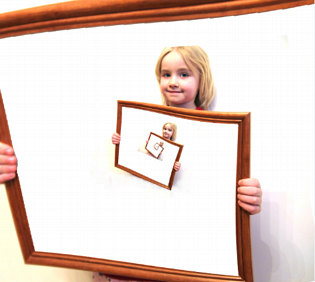
Droste effect
Features
Photo-brush is:
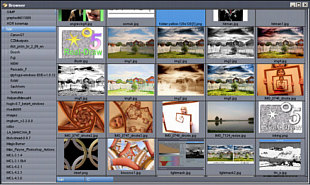 Photo-Brush
image browser
Photo-Brush
image browser
 Image Editor
Photo-Brush has all the necessary tools for editing and adjusting digital images: Adjusting levels, Gamma, RGB curves, Hue/Saturation, Brightness/Contrast and more..
 Photo Retouch
With its special brushes and tools you can remove unwanted parts of your images, clean scratches, remove Red-Eyes, Clean skin of portraits, Cloning with Rubber stamp and more...
 Painting Program
Photo-Brush is also an excellent painting program with its Pressure Sensitive tablet support. With texture painting, Artistic, Natural or 3D brushes you can create any work of art. With Cloning you can turn your photos into paintings.
 Scanning Software
Photo-Brush has TWAIN 32 support for scanners as well as 32 bit film scanners. It has build in powerful Auto Dust Removal system.
 Filter Heaven
There are many filters already build-in, but Photo-Brush can also use Adobe PhotoShop (tm) compatible Plug-Ins as well. It can run the plug-ins from anywhere in your computer, even from network drives.
 Full
bag of fun
Effects
Full
bag of fun
Effects
Try Warping or add a great touch with Image Nozzle!
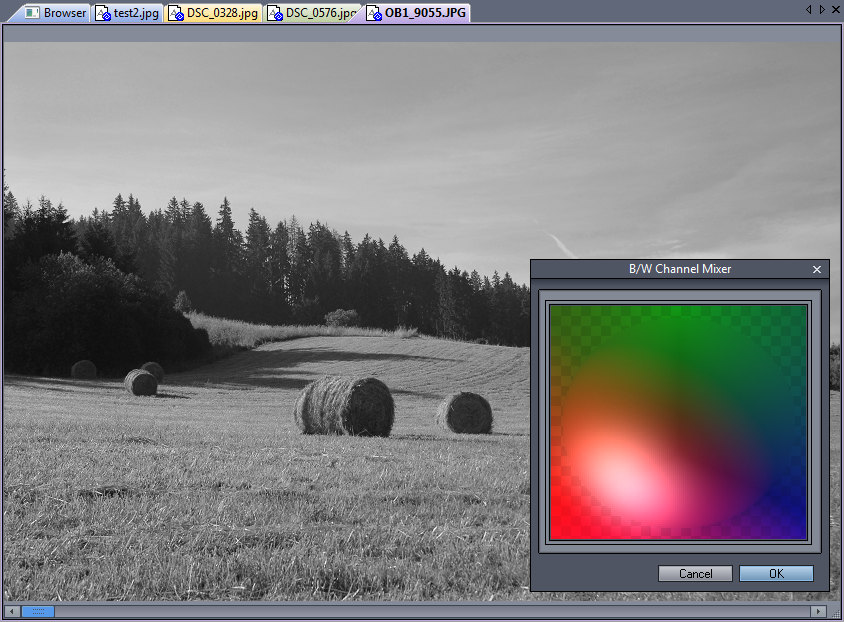
Add Lens Flare, Sparkles, Age the picture, Replace colors or Colorize black & white pictures; Add cool text in 2D, 3D, and drop shadow. The new effects include Fractal Droste or Little Planet.
 Image Browser
A cool new multi threaded RAW/JPG Image Browser was added for your convenience. You can view image thumbnails in any directory on your disk, CD, network or memory chip.
Screen-shots
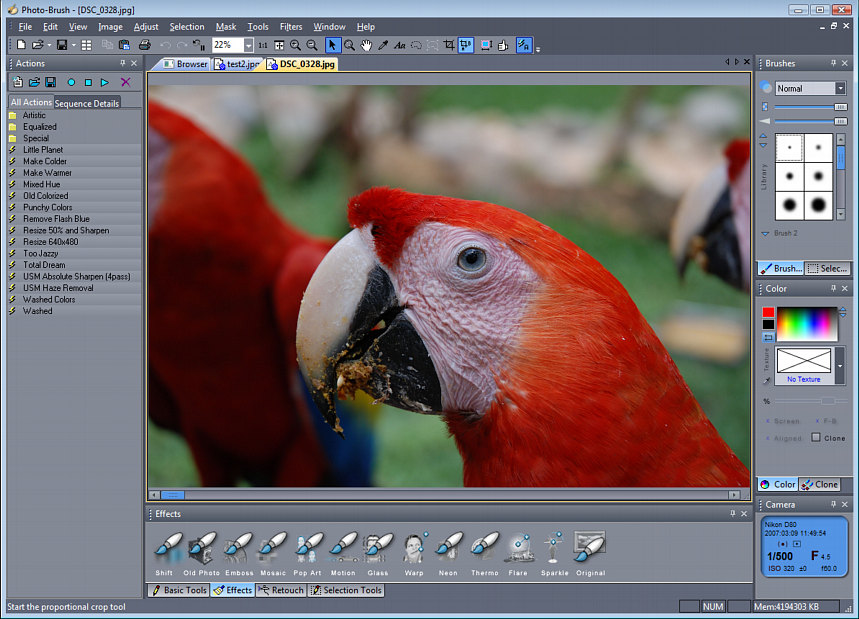
Photos courtesy of Erika Melisova
System Requirements
Minimum System Requirements
- Microsoft® Windows® 7, Vista or XP (32-bit or 64-bit editions)
- 1 GHz processor or better
- 2 GB of RAM
- 1 GB of free disk space
- Minimum screen resolution: 1024 x 768 (highly recommended higher resolution)
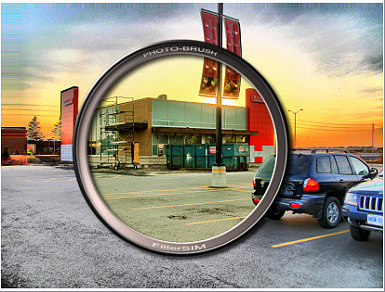
Filter-Sim in
Photo-Brush
Free Trial
 Platform:
XP, Vista, W7, W8 (32/64
bit) 13 MB
Platform:
XP, Vista, W7, W8 (32/64
bit) 13 MB
Version: 5.30 (05/JAN/2011)
Photo-Brush is build with two
interfaces, our favorite Photo Gray UI
and by request the High Contrast UI for
Visually Impaired users (it is easier to
read text). Otherwise they are both the
same and use the same registration.
- Standard Interface (gray for photo editing): PhotoBrush 5 (13 MB)
- High Contrast Interface (for visually imparied users): PhotoBrush 5 HCUI (13 MB)
This file works for Windows XP, Vista 32/64 bit, W7 32/64 bit and Windows 8
Video
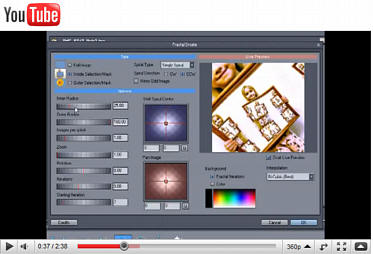
Real-time Escher Fractal Droste effect
May we suggest?
New: Photo Blend

Quickly combine parts of different photos into a new photo montage or composition
Free Monitor Test
Check out our new online LCD Monitor evaluation test.
Within a minute you will know what type of LCD panel your monitor have (TN, S-PVA or S-IPS) and how it is suitable for
photo-editing.
Click here....